
For insurance claims
Every claim, from the first call to the final payment
The Insurance claims add-on turns a case into a claim, with the policy details, the parties and the liability decision on one page. It's made for loss adjusters, claims handlers and the contractors who put the damage right.
An add-on to Workview Portal. Ask us for a price.
How it works
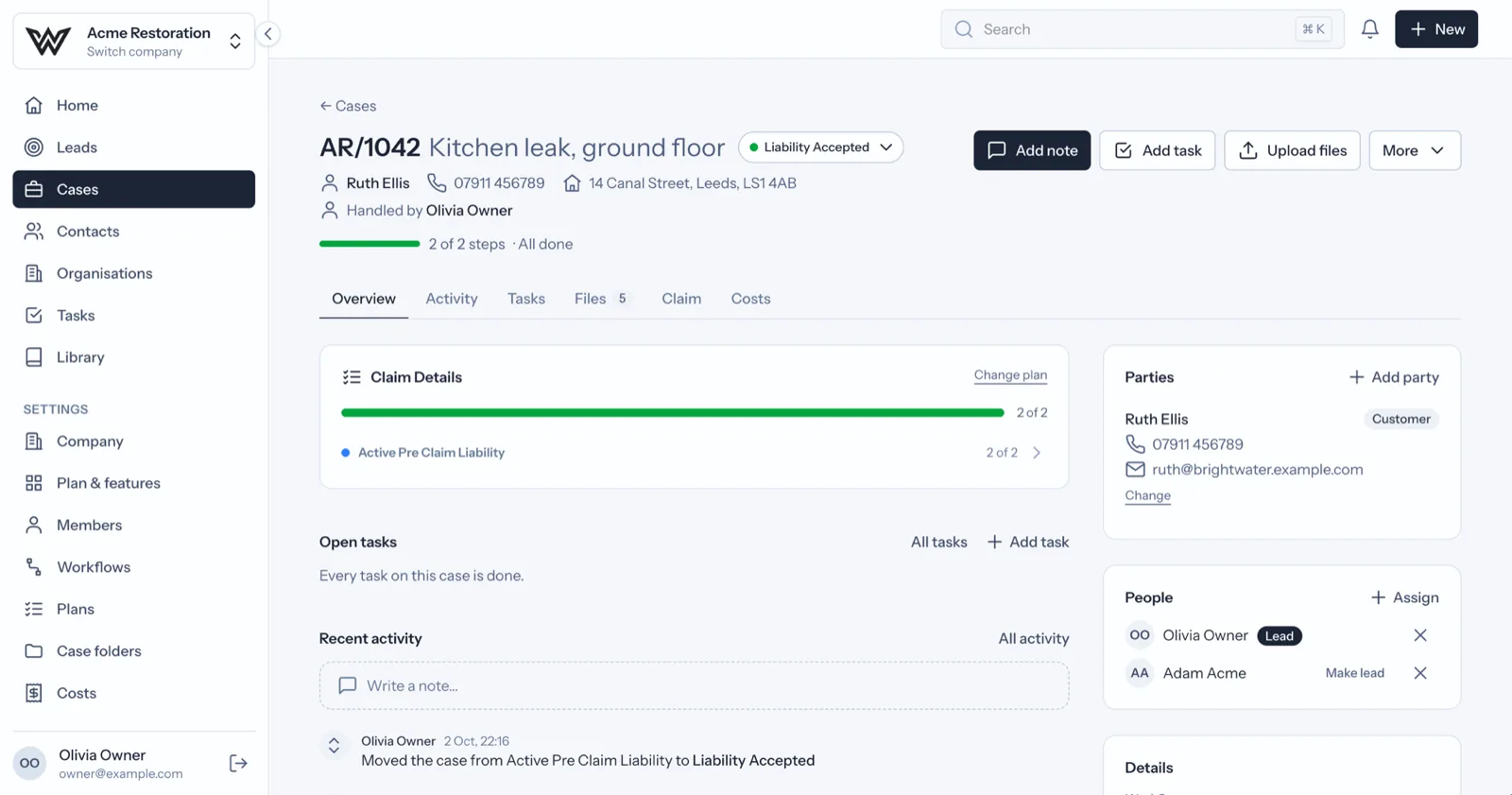
The whole claim on one page
The claim details
Claim type, peril, incident date, policy number, insurer's reference, excess and what happened, recorded once on the case.
Every party by role
The insurer, loss adjuster, broker and accountant are linked to the claim from one contact directory.
Liability at a glance
Pending, accepted or rejected, shown on the claim and pulled into the claims review.
What you get
Tools for every stage of a claim
Your claims workflow
Your own statuses and plan steps. Required steps have to be done before a claim moves on.
Site visits on a phone
Fill in risk assessments and site visit audits on site, one section at a time, with photos.
Signed on the spot
A customer signs on your phone or tablet after confirming a one-time code sent to their email.
Costs and payment requests
Costs, fees and supplier invoices on every claim, and payment requests that can be paid in parts.
Claims review
Liability, quiet and stale files, complaints mentioned and missing details, with money and fees for those allowed to see them.
Outside firms see only their claims
Subcontractors and other firms you invite see only the claims they are assigned to.
The claim record
The details insurers ask about first
Each claim keeps the details insurers and adjusters ask about, so nobody has to dig through old emails.
- Claim type and peril
- Incident date and what happened
- Policy number, insurer's reference and excess
- Whether liability is pending, accepted or rejected
See it with your kind of claims
Book a demo and we will walk you through a claim, from the first call to the final payment.
Other solutions